

Quick Summary
n8n and LangGraph are both used for AI workflow automation, but they solve different problems. n8n is ideal for low-code automation and API orchestration, while LangGraph is designed for stateful AI agents, multi-step reasoning, and complex LLM workflows.
Key Takeaways:
-
- n8n focuses on low-code workflow automation and integrations
- LangGraph is built for AI agents and multi-step LLM orchestration
- n8n is easier for business automation and API workflows
- LangGraph provides more control over AI reasoning and state management
- Workflow complexity and AI requirements determine the right platform
- Businesses often use both tools together for scalable AI automation
If you’re a developer or a team lead, the growing wave of workflow automation tools can feel overwhelming. You’re looking for a setup that scales smoothly, handles your business workflows, and works well with your existing systems.
And you’re confused between two tools at this stage: n8n vs LangGraph.
One promises fast, low-code workflows, while the other is built for complex, agent-driven systems.
The real question becomes simple: which one performs better for your workflows?
This guide breaks down the practical differences in terms of overview, features, and use-cases, allowing you to choose the tool that best fits your real-world builds.
What is n8n?
N8n is a visual workflow automation tool that helps you connect apps, APIs, and AI models without heavy coding. You build processes through a visual canvas where each step becomes a node.
For example, let’s say you want to create a workflow that gives a notification about mail queries. n8n collects these queries from Gmail, sends them to an LLM for classification, stores the result in a database, and alerts your team on Slack. The tool keeps everything visual and easy to tweak.
Top Features of n8n
n8n provides a strong set of workflow-building capabilities that make it easy to connect apps and automate routine tasks. Here are its top features:
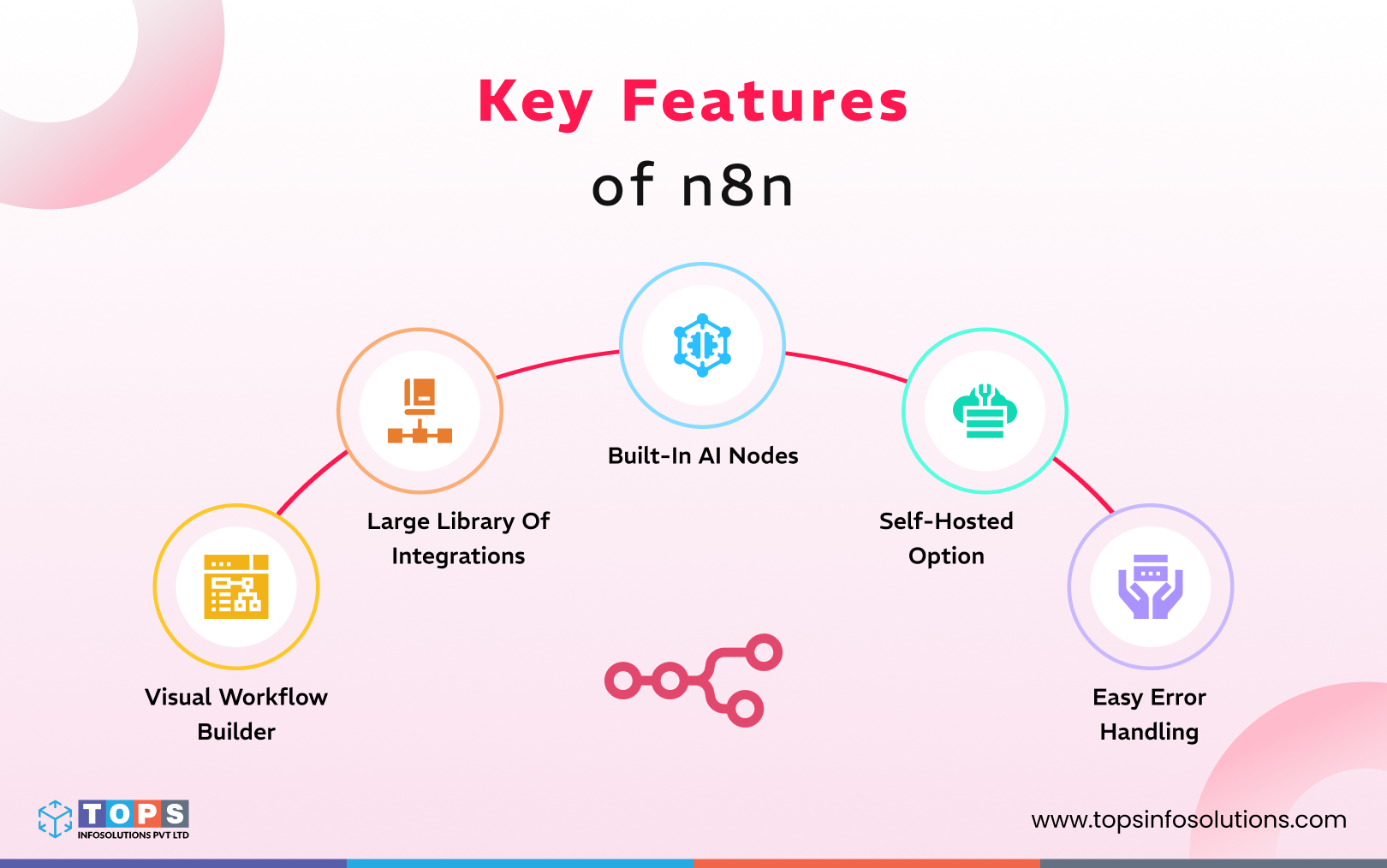
1. Visual workflow builder
With n8n’s drag-and-drop interface, you build automation by connecting nodes. Each node does a small task like sending an email or fetching data. This makes it much easier to design and debug automations compared to writing raw code from scratch.
2. Large library of integrations
Integrations form an integral part of how n8n operates. It comes with a large library of ready-made integrations to popular services like CRM, cloud storage, and other databases. This reduces the need for custom coding or manual API wiring.
3. Built-in AI nodes
n8n allows you to plug in AI models, build workflows that call LLMs, perform text summarization, generate content, and even build simple AI with the AI agent framework. The best part is that you can plug in LLMs and vector stores with minimal setup.
4. Self-hosted option
If you prefer to keep data inside your own infrastructure (for privacy, compliance, or performance), n8n offers a self-hosting option. Alternatively, there is also a managed cloud option for teams who want convenience without managing servers.
5. Easy error handling
n8n includes features to help you monitor and manage workflows over time. You can inspect execution logs node by node, retry failed steps, create fallback workflows for errors, and get notifications when something goes wrong.
What is LangGraph?
LangGraph is a code-first framework for building complex workflows and agents. Rather than a simple linear pipeline, you define a graph: nodes represent steps (like calling an LLM, accessing a tool, or applying logic), and edges represent the flow or decisions between steps. It is one of the best automation tools for LLM workflows that allows you to build an AI “assistant agent” that:
- Reads user input
- Queries a database for context
- Asks clarifying questions if needed
- Performs reasoning using an LLM
- Optionally calls external tools
- Deliver its final output
Because LangGraph preserves “state” and context, the agent remembers what happened before, making this setup ideal for multi-step or multi-turn tasks.
Top Features of LangGraph
LangGraph focuses on giving developers a reliable way to build structured, agent-driven AI systems. Here are its top features:
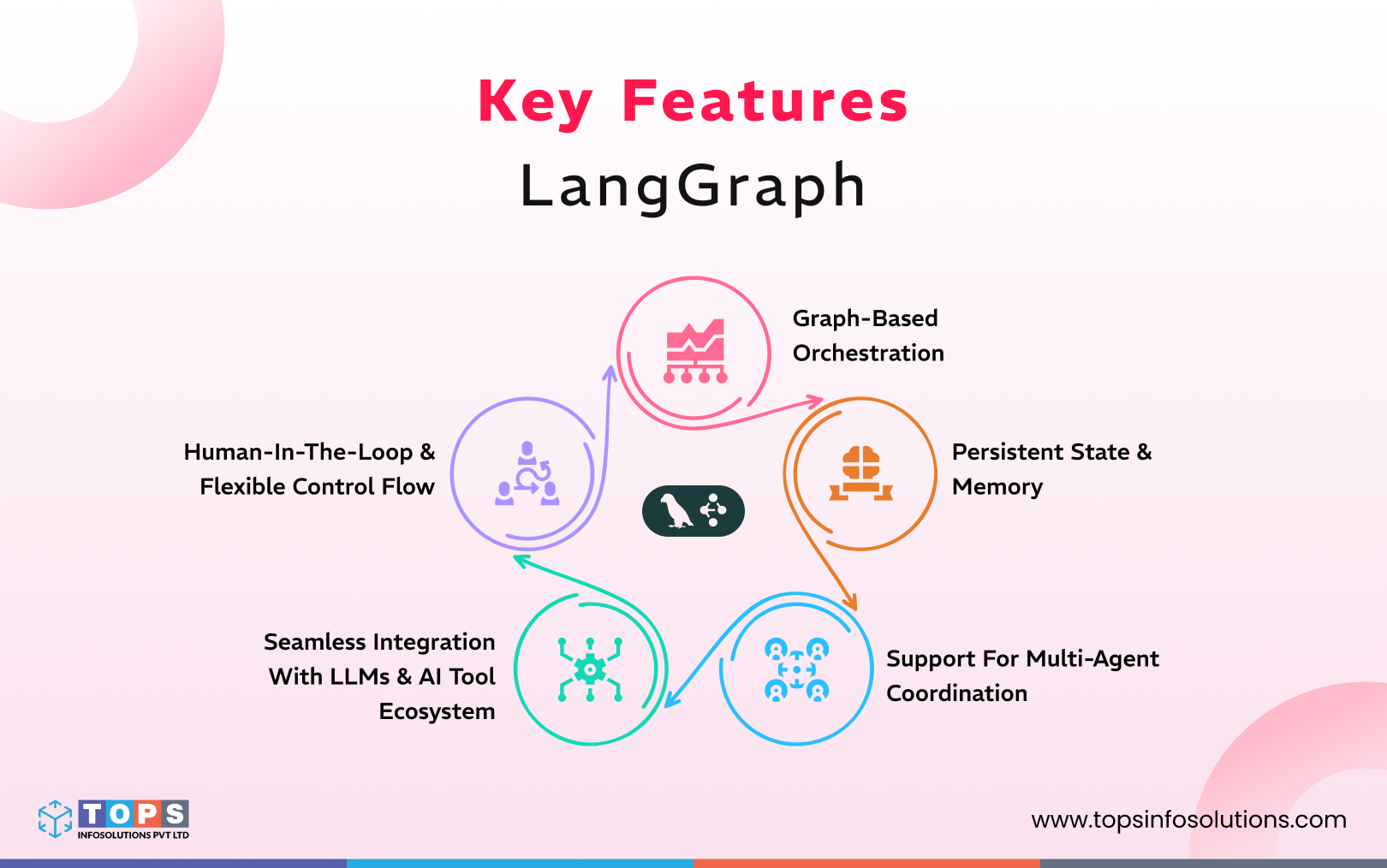
1. Graph-based orchestration
You model workflows as directed graphs of nodes and edges. Each node can be a function, an LLM call, a tool invocation, or custom logic. Edges define how the flow moves, allowing branching, loops, and conditional paths depending on results or context.
2. Persistent state & memory
LangGraph provides a central state object that persists across node executions. This feature enables agents to recall past interactions, context, variables, or outcomes. It’s very useful when workflows are long-running and conversational.
3. Support for multi-agent coordination
Multi-agent coordination is where LangGraph shines. You can orchestrate multiple collaborating agents, manage parallel tasks, or build decision trees where the system chooses the next steps based on previous outputs. This suits complex applications, for example, multi-agent assistants, research bots, or AI systems that need retries, fallback logic, or conditional tool usage.
4. Seamless integration with LLMs and the AI tool ecosystem
Because LangGraph is built within the ecosystem of LLM-oriented tools, you can plug in language models, external APIs, databases, or custom tools. Each node can leverage an LLM, tool, or combination, making it simple to build AI-native applications like chatbots, assistants, RAG pipelines, and automated reasoning flows.
5. Human-in-the-loop & flexible control flow
LangGraph enables workflows to pause for human intervention. This comes in handy when some decisions must be reviewed or approved. You can build checkpoints, allow manual overrides, or interrupt and resume execution, which helps when tasks are sensitive or require compliance checks
Key Differences of n8n vs LangGraph
| Feature | n8n | LangGraph |
|---|---|---|
| Approch | General-purpose automation, connecting apps & APIs | AI-first orchestration for LLM + agent workflows with state and control flow |
| Development style | Visual, node-based, low-code / no-code + optional scripts | Code-first (Python/JS), graph-based definition of workflows |
| Integrations | Large library of ready-made connectors (SaaS, webhooks, APIs) | Integration via code/custom connectors. It’s more flexible but requires developer effort |
| State & memory | Basic data passing between nodes; not inherently stateful across long workflows | Persistent state + memory across nodes, enabling multi-turn interactions, agents, and context-awareness |
| Workflow complexity | Well-suited to linear or branched business logic workflows (e.g., data sync, notifications) | Suited to complex, dynamic, non-linear workflows like agent orchestration, adaptive logic, loops, and human-in-the-loop flows |
| Ease of onboarding | Fast, lower learning curve, especially for non-developers | Higher learning curve, requires developer skills, but gives more control |
| Best use cases | Automation across systems, data pipelines, business process automation, SaaS integrations, and event-based workflows | AI agents, LLM orchestration, multi-step reasoning flows, adaptive logic workflows, applications requiring context/memory |
| Pricing | Starts at 23$/per month (no free plan) | Starts at $39 / seat per month (free plan available) |
Use-case Guidance
While both the tools deal with automating workflows with AI, you can think of n8n as a recipe with clear instructions, and LangGraph as a chef who adapts the dish based on taste and feedback. But you need to know when to use which tools according to your business needs.
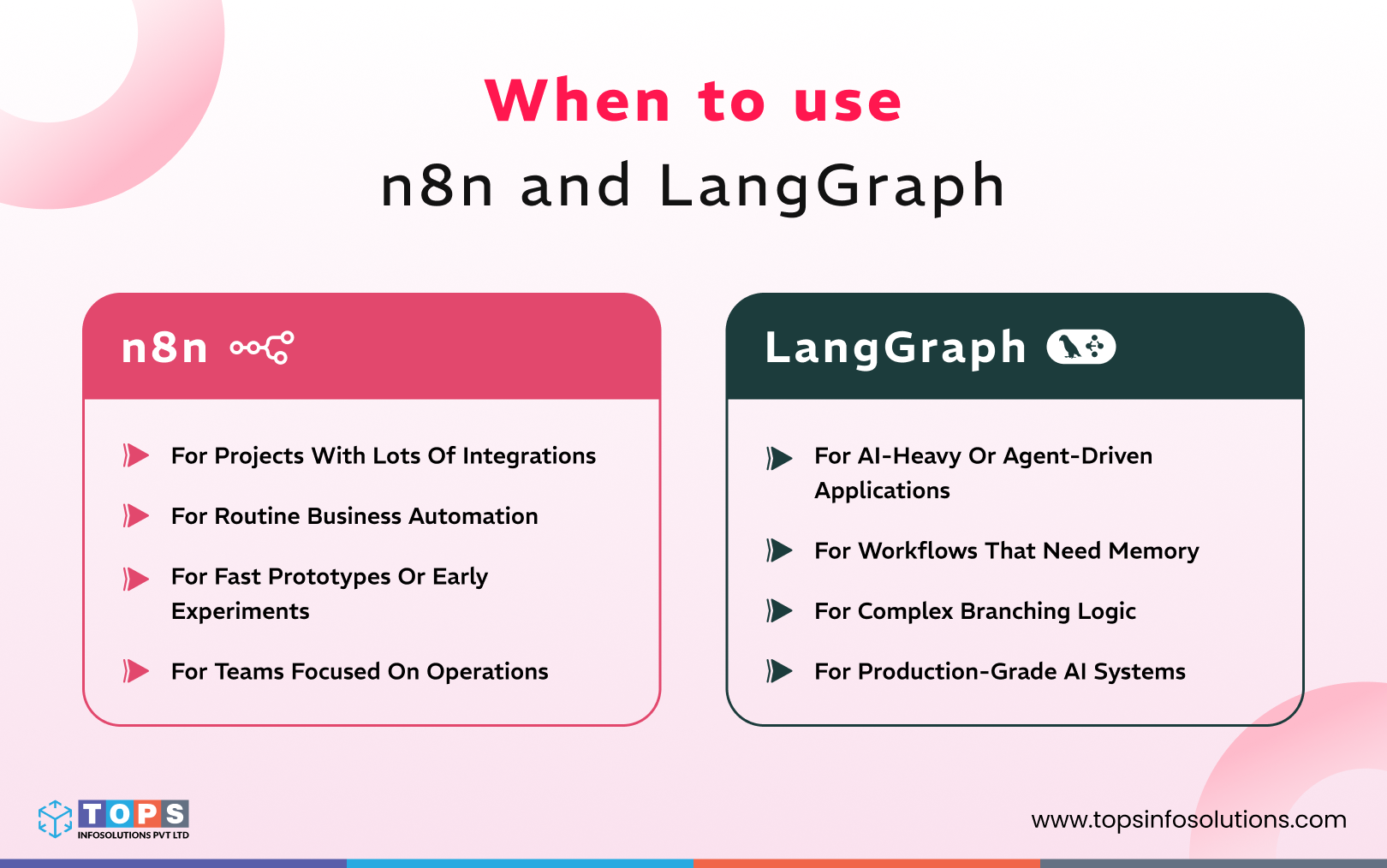
When to use n8n?
1. For projects with lots of integrations
It helps you connect SaaS tools, databases, and APIs without writing heavy custom logic, which saves time and effort.
2. For routine business automation
You can handle tasks like syncing data, moving form inputs to a database, sending alerts, or generating reports with simple workflows.
3. For fast prototypes or early experiments
If you want to test an idea quickly, n8n lets you build a working version without much coding.
4. For teams focused on operations
Groups that deal more with workflows than complex AI find n8n easy to adopt and maintain.
When to use LangGraph?
1. For AI-heavy or agent-driven applications
LangGraph is the perfect choice when your project involves reasoning steps, multi-turn interactions, or agents that make decisions as they go.
2. For workflows that need memory
If your system needs to remember previous steps, store context, or carry information across multiple actions, LangGraph provides that structure out of the box.
3. For complex branching logic
It works well when your workflow isn’t linear. Tasks that require retries, conditional paths, tool calling, or multiple agents working together benefit from its graph-based model.
4. For production-grade AI systems
Teams building assistants, RAG pipelines, or long-running workflows choose LangGraph when they need reliability, control, and custom logic that goes deeper than drag-and-drop tools can offer.
You need to understand that a decision between the two doesn’t have to be an either-or. If your business needs calls for it and if you have the financial bandwidth, you can opt for a hybrid approach too. You can use n8n to glue together external tools, APIs, databases, and services, and let LangGraph handle the AI logic and reasoning.
Things to Consider Before Choosing Between n8n and LangGraph
It helps to look at the bigger picture before building AI applications using n8n and LangGraph. You’ll need to evaluate the cost of AI software development, assess the skills of AI developers, and figure out long-term goals to get reliable results. Here are some of the things you should consider:
Types of workflows
Most businesses aim to optimize processes with AI, while others seek to reinvent their workflows altogether. Identifying what you want will play a big role in the type of tool you choose. Both workflow automation tools help with simplifying your processes, but they approach logic in very different ways. If you need to reinvent your workflows, you have to opt for LangGraph, considering it gives you better control.
Team skill requirements
It’s easy to fall into the hype of AI and dive into it without evaluating the basics first. Is your team ready for a complete overhaul of processes? Will they be able to handle the complexity of LangGraph, and are they skilled enough to not just code but understand where the tool is actually going to bear the results? Or would you want to start small, get everyone involved without heavy training? In that case, n8n becomes easier to adopt.
Integrations and extensibility
If you work within a SaaS ecosystem, n8n saves effort with its ready-made connectors. You drag, drop, and map data without writing much code. LangGraph moves in the opposite direction. It gives you full control over logic through code, which helps when you need custom behaviour or deeper integration with AI tools.
Hosting and deployment preferences
Both tools can run in the cloud or on your own servers. Deploying n8n is usually faster since the setup is light. LangGraph may require additional planning, particularly for large AI workloads that run continuously or maintain state across extended sessions. Think about your security rules and how much infrastructure you want to manage.
Build custom AI workflows with TOPS
As you explore workflow automation and AI-driven systems, it becomes clear that each platform shines in its own way. Some tools fit fast, low-code automation, while others are built for complex reasoning and scalable AI patterns. Choosing the right approach depends on how your data moves, how advanced your AI needs to be, and how fast you plan to grow.
If you want guidance that’s tailored to your goals, our team can help you design the right path. We provide AI agent development services, create RAG-based AI workflows, and support companies with applied AI services that solve real operational challenges. Work with skilled AI developers who understand these platforms inside out and bring clarity to your next steps.
Frequently Asked Questions (FAQs)
n8n is a visual low-code tool for automating business workflows and connecting APIs. LangGraph is a code-first framework for building stateful AI agents with multi-turn reasoning and dynamic LLM workflow control.
Use n8n when you need fast, low-code automation for SaaS integrations, API connections, or routine business workflows like notifications, data syncs, and reporting, especially for non-developer or operations teams.
Use LangGraph when building AI agents that require persistent memory, multi-turn conversations, complex decision-making, or non-linear workflows with conditional branching and tool-calling capabilities.
Yes. A common production setup uses n8n to handle API connections and external tool integrations, while LangGraph manages the core AI reasoning, state management, and agent logic.
n8n is easier to start with due to its visual drag-and-drop interface and requires no coding. LangGraph requires Python or JavaScript skills but offers greater flexibility for complex AI systems.
Yes. LangGraph maintains a persistent state across workflow executions, making it essential for multi-turn AI interactions, long-running processes, and agents that need to retain context between steps.
It depends on the use case. n8n suits enterprises needing fast tool integrations and process automation. LangGraph suits enterprises building custom AI agents with complex reasoning. Many enterprises use both in a hybrid architecture.
TOPS Infosolutions evaluates your automation needs and builds the right workflow architecture, whether n8n, LangGraph, or a hybrid setup, to deliver scalable, production-ready AI automation tailored to your business.