




Quick Summary
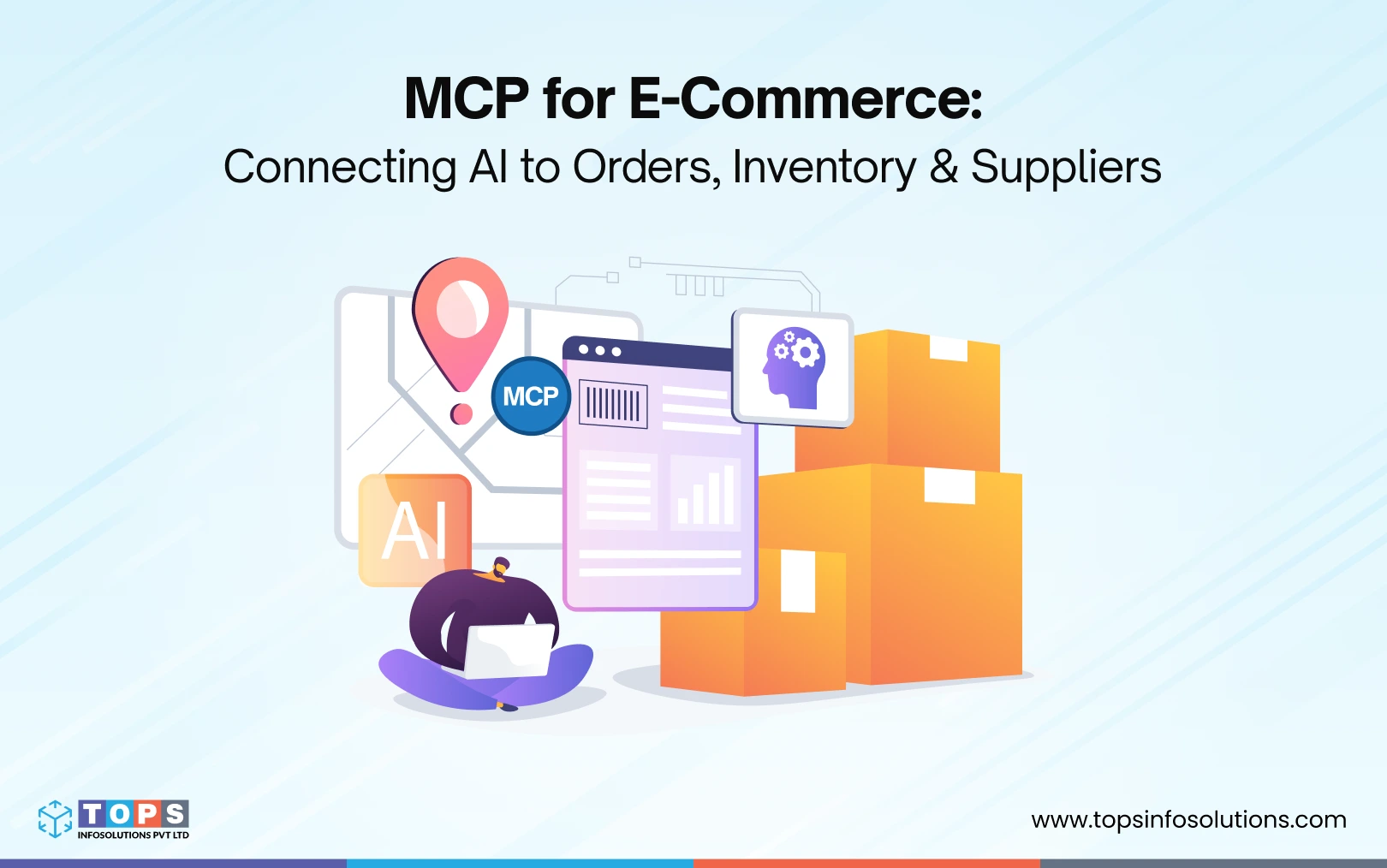
MCP (Model Context Protocol) enables AI agents to connect directly with e-commerce systems such as inventory, orders, marketplaces, suppliers, and fulfillment platforms. By creating a standardized integration layer, MCP helps businesses automate operations, access real-time data, and build AI-driven commerce workflows without complex custom integrations.
Key Takeaways:
-
- MCP connects AI agents with core e-commerce systems.
- AI agents can automate inventory, order, and supplier workflows.
- Order management and inventory are the best starting points for MCP adoption.
- MCP reduces integration complexity and supports future AI initiatives.
- It provides the foundation for scalable agentic commerce.
Your AI tools know a lot. But they don’t know what’s happening across your commerce operations right now.
They don’t know that a top-selling SKU on Amazon is about to stock out.
They don’t know that inventory levels in your warehouse no longer match what’s available across your sales channels.
They don’t know that a supplier delay will impact fulfillment next week.
That’s the gap MCP in eCommerce closes.
Model Context Protocol (MCP) is an open standard that lets AI agents connect directly to the systems that power modern commerce operations, including marketplaces, order management systems, inventory platforms, supplier portals, ERP systems, and custom ecommerce backends.
For growing multi-channel sellers, the challenge isn’t a lack of data.
It’s that operational data is spread across marketplaces, warehouse systems, supplier portals, ERP platforms, and custom-built commerce applications. AI agents can’t act effectively when that information is fragmented.
Understanding what Model Context Protocol is in eCommerce starts with recognizing what’s missing: a standardized way for AI agents to interact with the systems that run your business.
What is MCP, and Why Should E-commerce Businesses Care?
MCP was released by Anthropic as an open-source framework in late 2024. The simplest way to understand it: MCP is to AI agents what USB-C is to devices.
Before USB-C, every device needed a different cable. Before MCP, every AI integration required a custom-built connection. For your multiple marketplaces. For your 3PLs and for your ERP. Months of dev work, and still fragile.
MCP replaces all of that with a single, standardized way for any AI agent to talk to your eCommerce system, in real time, with full context.
These are just a few of the AI agents for eCommerce use cases that MCP unlocks out of the box:
- An AI agent can check live inventory before confirming an order
- It can flag a supplier delivery that’s running late before your customers notice
- It can resolve order exceptions automatically, without a human touching them
This isn’t theoretical. Data shows that AI agent-driven orders grew 11x between January 2025 and March 2026. Agents are no longer just showing products; they’re completing purchases and managing post-purchase operations.
The question isn’t whether this is coming to your e-commerce system. It already has.
The 4 Commerce Systems You Need to Connect First
Not every integration delivers the same value. For multi-channel commerce businesses operating across marketplaces, warehouses, suppliers, and custom systems, some connections have a much bigger operational impact than others.
If you’re implementing MCP use cases for your eCommerce environment, start with the systems that drive day-to-day operations.
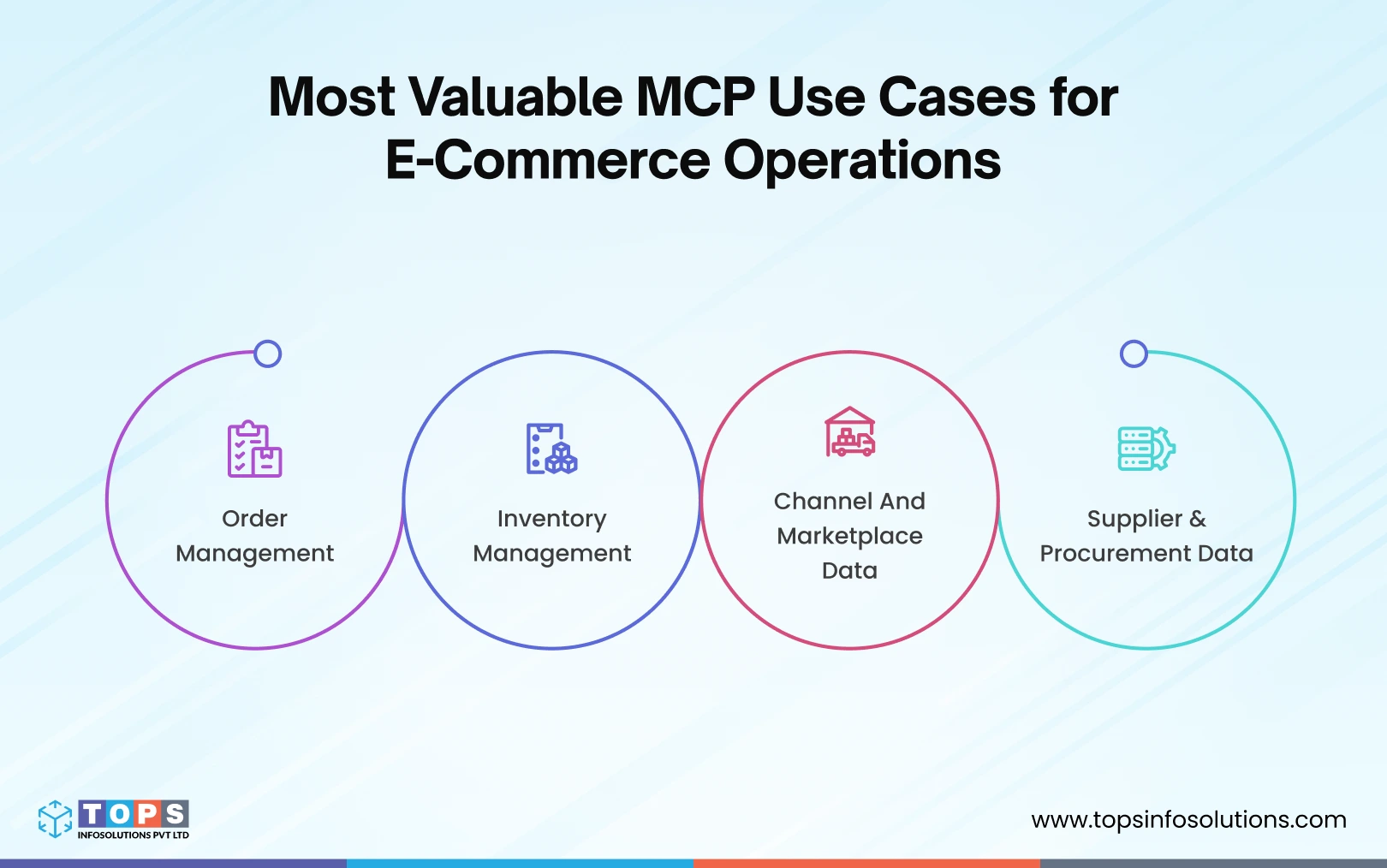
1. Channel and Marketplace Data
For many commerce businesses, critical data is spread across Amazon, Walmart Marketplace, B2B ordering portals, distributors, and proprietary storefronts.
An MCP-connected AI agent can:
- Monitor sales velocity across channels
- Detect listing or catalog issues
- Identify products at risk of stockout
- Surface marketplace performance anomalies
- Alert teams to account health concerns
Instead of manually reviewing multiple dashboards, operators can simply ask:
“Which products are most likely to stock out within the next 14 days?”
or
“Which channels are showing unusual sales activity today?”
This creates a unified operational view across fragmented commerce ecosystems.
2. Order Operations
Order exceptions are expensive. Wrong address, payment failure, out-of-stock after checkout. Every one of those requires human attention, burns support time, and risks a bad customer experience.
With an MCP-connected AI agent, many of these resolve themselves:
- Address validation failures → agent cross-checks against the customer account, suggests correction, and holds the shipment
- Payment declines → agent triggers a retry workflow and notifies the customer in real time
- Inventory shortfalls → agent checks substitute SKUs, updates the order, and flags the customer proactively
What to look for in your setup: Can an AI agent read and write to your OMS? Read-only is useful. Read-write is where the automation happens.
3. Inventory & Fulfilment
Inventory is the engine of your cash flow, and it’s usually the last thing to get a real-time AI connection, despite being the most obvious candidate for AI-powered inventory management.
An MCP-connected inventory system gives your AI agent access to:
- Live stock levels across all SKUs and warehouse locations
- Reorder triggers based on velocity, lead time, and safety stock rules
- Allocation logic — which orders get fulfilled from which location
The practical result: when a flash sale goes live, your AI agent can pause marketing campaigns the moment a SKU sells out. No manual intervention. No oversells.
What to look for: What to look for: Does your inventory tool expose MCP endpoints? If not, does it have a robust REST API that a custom MCP wrapper can sit on top of? If you’re evaluating platforms altogether, our eCommerce solutions overview covers what to look for in an MCP-ready stack.
4. Supplier & Procurement Data
This one is underrated.
Most founders manage supplier relationships through email threads and spreadsheets. Lead times, MOQs, pricing tiers, and fulfillment windows are all locked in inboxes.
An AI agent can’t negotiate lead time if it doesn’t know what the current lead time is.
Connecting supplier data via MCP means your agent can:
- Pull current lead times and compare them against open purchase orders
- Flag a reorder when stock dips below a threshold, and calculate whether the supplier can fulfill in time
- Surface pricing anomalies across suppliers for the same SKU
This layer is less plug-and-play than orders or inventory. It often requires building a lightweight MCP server that wraps your supplier portal or ERP. But it’s the layer that unlocks genuinely intelligent procurement decisions.
Why MCP Matters for Multi-Channel Commerce Businesses
Unlike businesses running entirely on off-the-shelf platforms, multi-channel sellers often rely on custom workflows, integrations, and operational logic to stay competitive. While these systems improve efficiency, they can also make AI adoption more difficult because every integration requires additional development work.
MCP solves this challenge by creating a standardized layer between AI agents and your commerce operations platform.
1. Turn Your Custom Commerce Platform into an AI-Ready System
Most AI tools struggle to operate in environments with custom workflows and proprietary business logic. MCP allows AI agents to connect directly to your commerce operations platform, giving them access to the processes, rules, and data that drive your business. Instead of building separate integrations for every AI use case, you create a reusable foundation that supports future automation initiatives.
2. Automate Operational Decisions in Real Time
When AI agents have access to live operational data, they can respond to issues as they happen. Whether it’s identifying a stockout risk, routing an order exception, or triggering a supplier reorder, MCP enables faster decision-making without waiting for manual intervention.
3. Reduce the Cost of Future Integrations
Traditional integrations are often built one workflow at a time. Every new system, marketplace, or automation initiative requires additional development effort. MCP introduces a standardized interface between AI agents and your e-commerce systems, reducing the complexity of future integrations and making your commerce stack easier to scale.
4. Create a Foundation for Agentic Commerce
Many businesses are experimenting with AI assistants today. The next step is agentic commerce, where AI agents actively monitor operations, identify opportunities, and execute approved actions. MCP provides the infrastructure required to move from passive AI tools to operational AI systems that support inventory, procurement, fulfillment, customer service, and marketplace management.
How to Set Up MCP for Your E-commerce System: Step by Step
You don’t need to build everything at once. Here are the key steps to integrate MCP into your business, starting with what’s already in your stack.
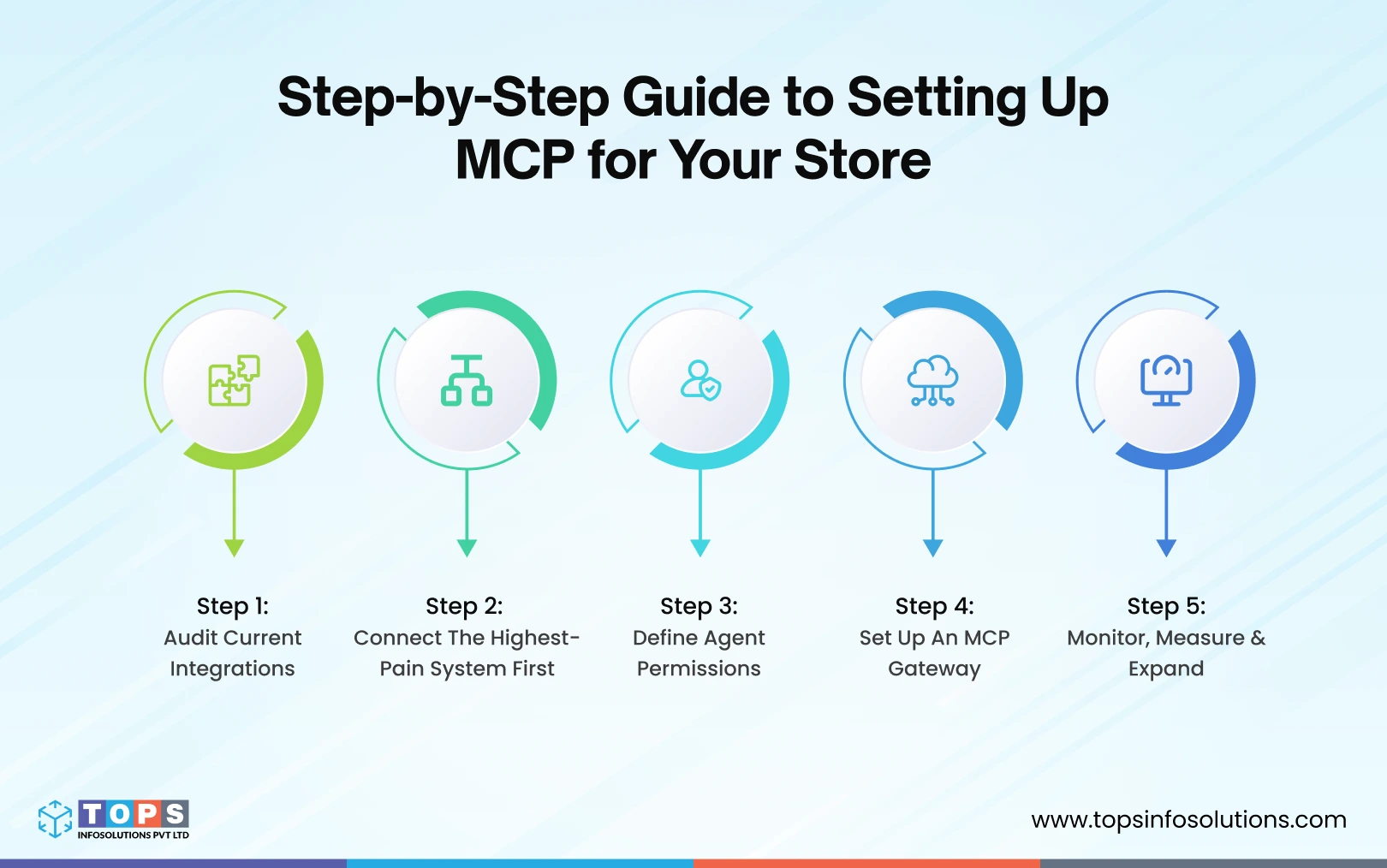
Step 1: Audit Your Current Integrations
List every system your custom system depends on:
- Order management
- Inventory / WMS
- ERP or supplier portal
- 3PL
- CRM / customer support platform
- Custom system
For each system, ask: Is an MCP server available?
Check with your vendor for developer docs if you’re operating a custom system.
If a system doesn’t have a native MCP server, check whether it has a documented REST or GraphQL API. You can ask your developer or your software solution provider to build a thin MCP wrapper on top of one in a matter of days.
Step 2: Connect Your Highest-Pain System First
Don’t try to connect everything in week one. Pick the system that currently requires the most manual work.
For most multi-channel commerce businesses, that’s order exceptions. Start there.
Connecting your OMS to an AI agent via MCP gives you visible, measurable wins fast. It results in fewer tickets, faster resolution times, and less firefighting during peak periods.
Once that’s working, extend to inventory. Then supplier data.
Step 3: Define What the Agent Is Allowed to Do
This is the step most people skip, and it’s the one that matters most.
MCP gives your AI agent the ability to take actions. You decide which actions are authorized to perform without human approval.
A good starting framework:
| Action | Recommended Authorization |
|---|---|
| Read order status | Autonomous |
| Flag an exception | Autonomous |
| Update shipping address | Autonomous (with audit log) |
| Cancel an order | Human approval required |
| Issue a refund | Human approval required |
| Trigger a reorder | Autonomous up to a set dollar threshold |
Define these rules before you go live. It’s much easier than cleaning up after an agent does something unexpected.
Step 4: Set Up an MCP Gateway
Once you have more than two or three MCP servers connected, you need a central point of control.
An MCP gateway aggregates your servers, enforces rate limits, applies security policies, and gives you an audit trail of every action your AI agents take across every system.
Think of it as the control room for your agentic stack. You can see which agent accessed what, when, and what it did with that access.
This isn’t optional at scale. It’s what keeps your operations secure and auditable.
If you’re scaling beyond a single store or managing operations across business units, the same principles apply to MCP integration in enterprise environments, with additional governance requirements.
Step 5: Monitor, Measure, and Expand
Once your first MCP connections are live, track:
- Exception resolution rate — what % of order exceptions does the agent resolve without human touch?
- Stockout prevention — how many reorders were triggered proactively vs. reactively?
- Response time — how fast does the agent respond to an inventory event vs. your previous manual process?
These numbers tell you where to invest next. They also make the business case for expanding MCP coverage to the rest of your stack.
Not sure what returns to expect before you commit? Our breakdown of MCP integration cost and ROI gives you realistic benchmarks to work with.
The Bottom Line
MCP isn’t a trend. It’s infrastructure.
The e-commerce brands that will dominate the next three years aren’t the ones with the best AI chatbot. They’re the ones whose AI agents have real access to real data — and can take real action on it, in real time.
Marketplace data, orders, inventory, suppliers, fulfillment systems, and custom commerce applications form the operational backbone of modern commerce businesses. Connecting them to an AI agent via MCP is how you turn that operation from reactive to autonomous.
Start with one system. Build the habit. Then scale.
The foundation you lay now is the competitive moat you’ll defend for the next decade.

Frequently Asked Questions (FAQs)
MCP (Model Context Protocol) is an open standard developed by Anthropic that gives AI agents a standardized way to connect to external systems — like your OMS, inventory tool, ERP, or supplier portal — in real time. In e-commerce, it’s what allows an AI agent to go beyond answering questions and actually take actions: updating an order, triggering a reorder, or resolving a fulfillment exception automatically.
MCP is useful at any scale, but the ROI shows up fastest when you have enough order volume that exceptions, stockouts, and manual reorders are taking real time. If you’re spending more than a few hours a week on operational firefighting, MCP integration is likely worth the setup investment.
A traditional API integration is purpose-built — it connects two specific systems in a specific way, and you need a new integration for every new tool. An MCP server is a standardized interface that any MCP-compatible AI agent can connect to without custom development. It’s the difference between a proprietary charger and USB-C: one works everywhere, one doesn’t.
This comes down to authorization rules, which you define before going live. For example, you might allow an agent to autonomously update a shipping address but require human approval to cancel an order or issue a refund. Setting a clear permission framework — and using an MCP gateway to enforce it — is the key safeguard.
Start with whichever system currently requires the most manual work. For most e-commerce operators, that’s order exceptions. Connecting your OMS first gives you fast, measurable wins: fewer support tickets, faster resolution, and less peak-period firefighting. Once that’s stable, layer in inventory, then supplier data.
Track three metrics: exception resolution rate (what % of order issues the agent resolves without human input), stockout prevention (proactive vs. reactive reorders), and response time compared to your previous manual process. These numbers tell you where to expand next and make the internal business case for further investment.
Yes. In fact, businesses with custom e-commerce operations platforms are often the best candidates for MCP adoption. Because order workflows, inventory logic, marketplace integrations, supplier processes, and fulfillment rules are already centralized, MCP provides a standardized way for AI agents to access and act on that operational data without requiring a separate integration for every workflow.